
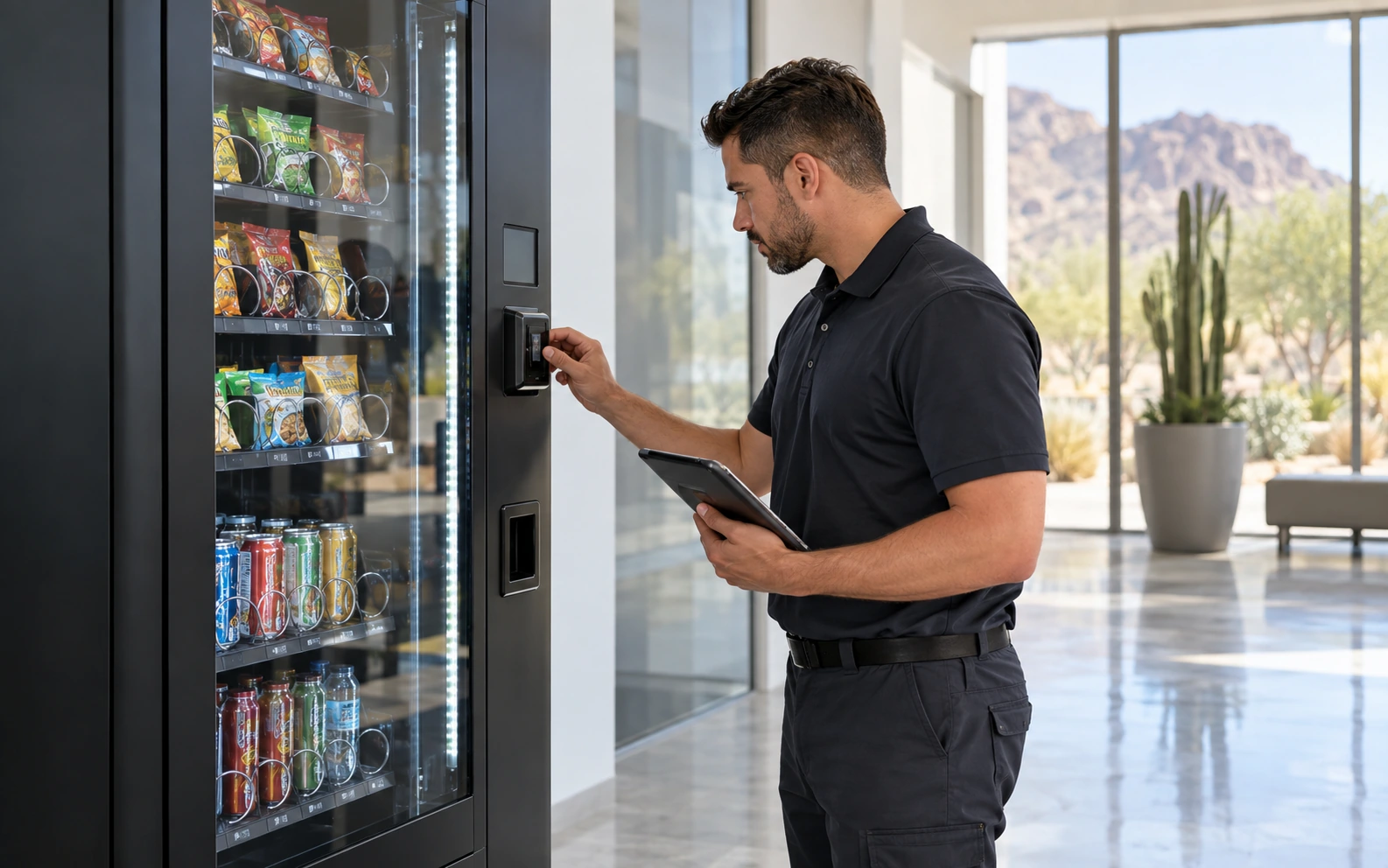
Describe what a customer experiences.
A useful repair request starts with what happens during a normal visit. Does the payment terminal show an error? Does a selection fail to dispense? Does the display look different from usual? Explain whether the problem affects one selection or the whole machine, and when you first noticed it. Clear observations help the service team review the request without relying on a diagnosis made from a distance.
Identify the actual equipment.
Include the manufacturer and model from the machine’s label, along with the location and an on-site contact. If the issue concerns a separate payment reader, include its identifying details when they are readily visible. A machine’s outer appearance does not reliably identify all of its installed components. The team can use the equipment information to review compatibility and decide what additional details are needed.
Record the message, not a guess at the cause.
If a display shows an error code or message, copy it exactly into your inquiry. Mention any recent move, service visit, or interruption you know about without assuming it caused the issue. Report cooling concerns as observations for the technician to assess. Follow the equipment’s operating instructions and leave internal adjustments or repair work to an appropriately qualified professional.
Make access part of the request.
Tell us when the building is open, who can provide access, and whether there are delivery or service restrictions. Mention stairs, controlled entry, or a machine located in a busy shared area. If you own the equipment, say so. If it belongs to an existing managed placement, identify the arrangement so the request can be directed appropriately. These details help avoid an incomplete service plan.
Review the scope before work begins.
Phoenix Vending Pro reviews the equipment, symptoms, and location before confirming suitable support. Timing, parts, compatibility, and price depend on the machine and the diagnosis; an online inquiry does not book a guaranteed appointment. Use Book a Repair and include the details you have gathered. The team can then discuss the next steps and confirm the scope with you before proceeding.