
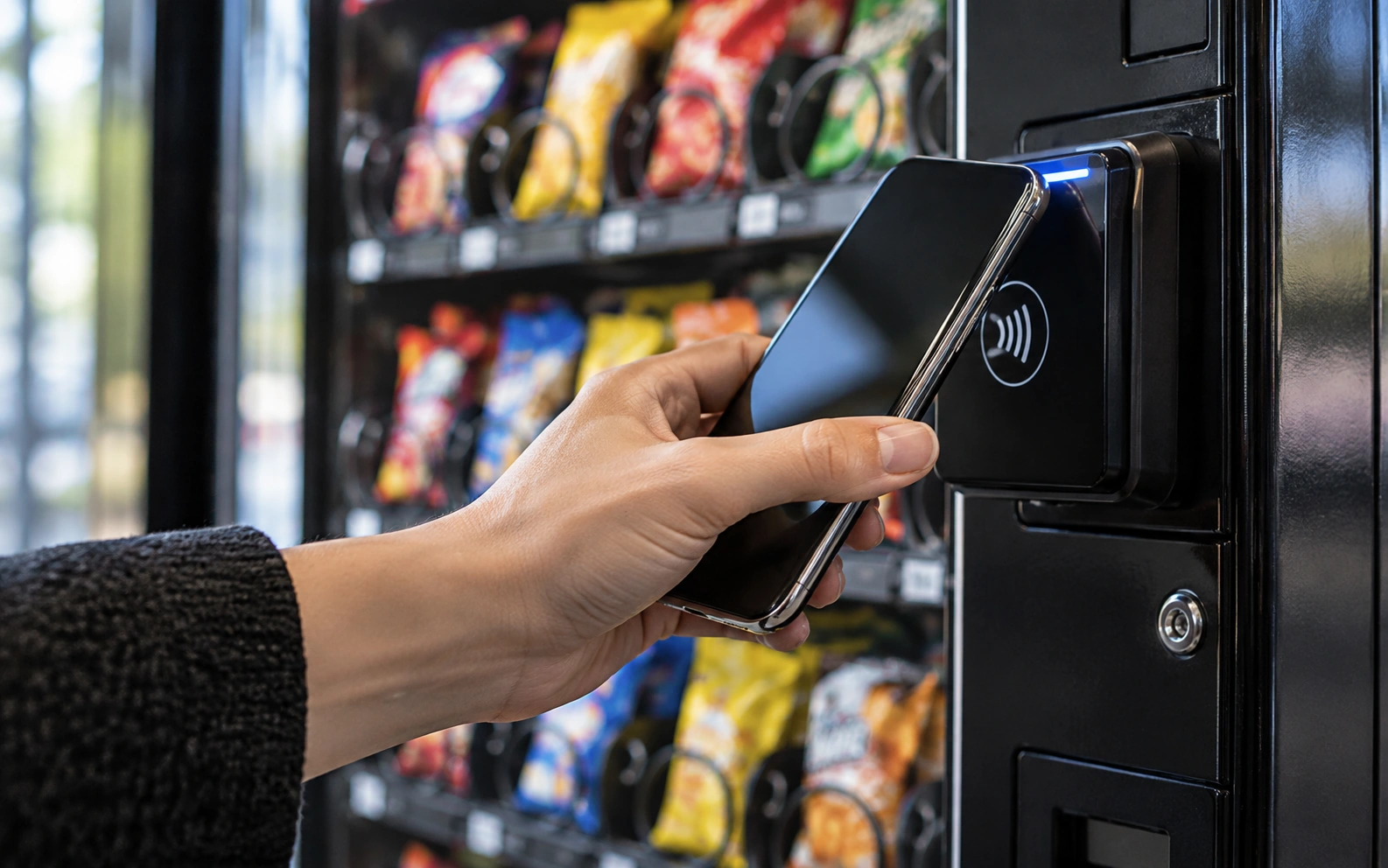
Start with the experience you want.
For many visitors, a familiar contactless payment option makes a vending stop easier to understand. Tap-to-pay may be available through a compatible reader on suitable equipment. The exact payment methods, selection sequence, and screen prompts depend on the installed system. Ask for a walkthrough of the proposed unit so your location team knows what customers will see when they use it.
Confirm the installed configuration.
Two cabinets with the same machine name can have different payment equipment. Include the manufacturer, model, and any existing reader details with your inquiry. If you are purchasing a machine, ask which payment components are included in the quote. If you already own the equipment, request a compatibility review before assuming a new reader can be added to it.
Ask about the operating arrangement.
Discuss the setup requirements, connectivity, support contact, and any applicable ongoing service costs with the team providing the system. These details depend on the equipment and arrangement. A placement request and a machine purchase involve different responsibilities, so make the intended use clear. Confirm what happens if the reader is unavailable and how customers should report a payment or dispensing issue.
Try the idea, then confirm the details.
The interactive tap demonstration on our website illustrates a simple customer experience and collects no payment. It does not guarantee a particular reader, mobile wallet, or checkout feature on every machine. Tell Phoenix Vending Pro which experience you want and whether you need a new placement, an equipment quote, or support for an existing setup. We will review the request and confirm suitable options.